Quick answer
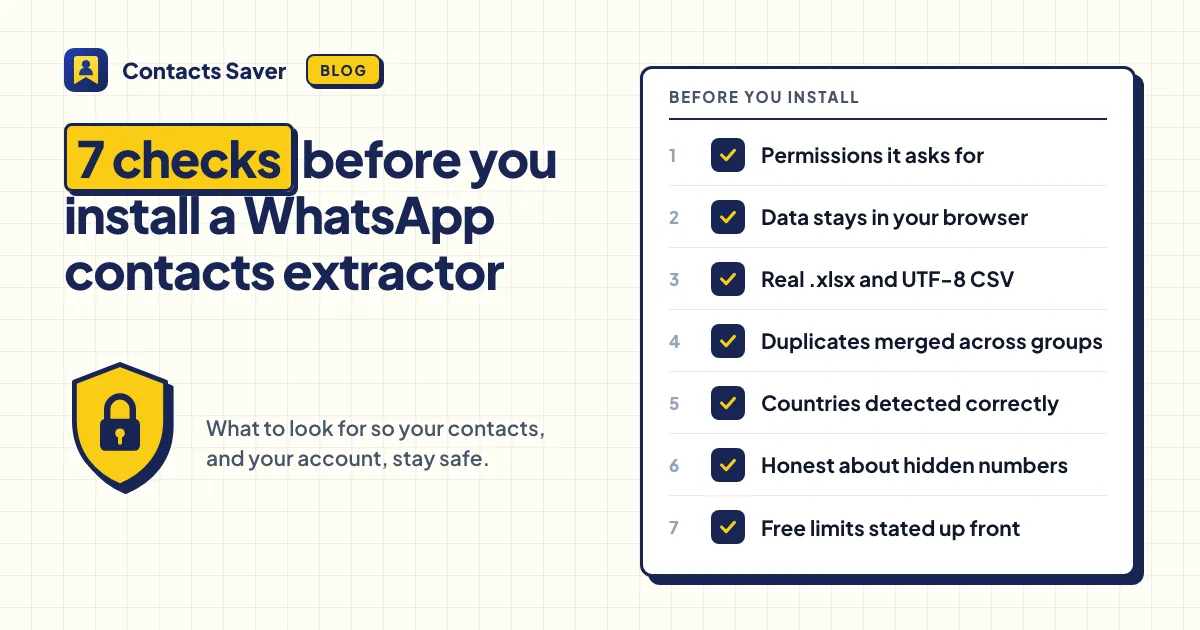
Before you install a WhatsApp contacts extractor, check seven things: the permissions it asks for, whether your contact data leaves your browser, which file formats it really creates, how it handles duplicates, how it detects countries, what it does with hidden numbers, and whether its free limits are stated before you install.
A WhatsApp contacts extractor runs inside WhatsApp Web, the page where all your chats live. So the choice matters more than it looks. A good one saves you a lot of copying. A careless one can leak your contacts or give you a file full of broken numbers.
Here are seven things to check before you install one. For each check, we say what to look for and how our own extension, Contacts Saver, handles it. Ask the same questions about any tool you consider.
1. Permissions: what can it access?
Your browser lists an extension's permissions before you install it. Look for the smallest set that does the job. An extractor needs access to web.whatsapp.com and a place to store its settings.
Be careful if it asks to "read and change all your data on all websites", to manage your downloads or to read your browsing history. None of that is needed to export contacts.
Contacts Saver asks for two things: storage, for its own settings, and access to web.whatsapp.com. It doesn't run on any other site.
2. Where does your contact data go?
An extractor could send the numbers it reads to a server. Read the privacy policy and look for a clear answer about contact data, not only a general promise about "your privacy".
Contacts Saver processes contact data in your browser and saves the file straight to your computer. Phone numbers, names and messages are never uploaded. To run the free plan and VIP, the extension sends a few things to our server, such as an anonymous ID and its version number. Our privacy policy lists every item.
3. Real file formats
A file that ends in .csv isn't an Excel workbook, even if a tool calls it one. It usually opens, but Excel may show foreign names as garbled symbols.
Check two things. Does the tool create a true .xlsx file? And is its CSV saved as UTF-8 with a BOM? The BOM is a small marker that tells Excel which encoding the file uses. Without it, Arabic, Hindi, Chinese or Russian names can turn into nonsense.
Contacts Saver creates a real .xlsx workbook, a UTF-8 CSV with BOM, JSON for developers and vCard (.vcf) for phones. You can download the same result in more than one format.
4. Duplicates across groups
Export ten supplier groups, and the same person may appear in five of them. Without de-duplication, you get five rows, and maybe five follow-ups to the same person.
Check whether the tool merges people across groups, and what it keeps. A merge is only useful if you still know which groups each person came from.
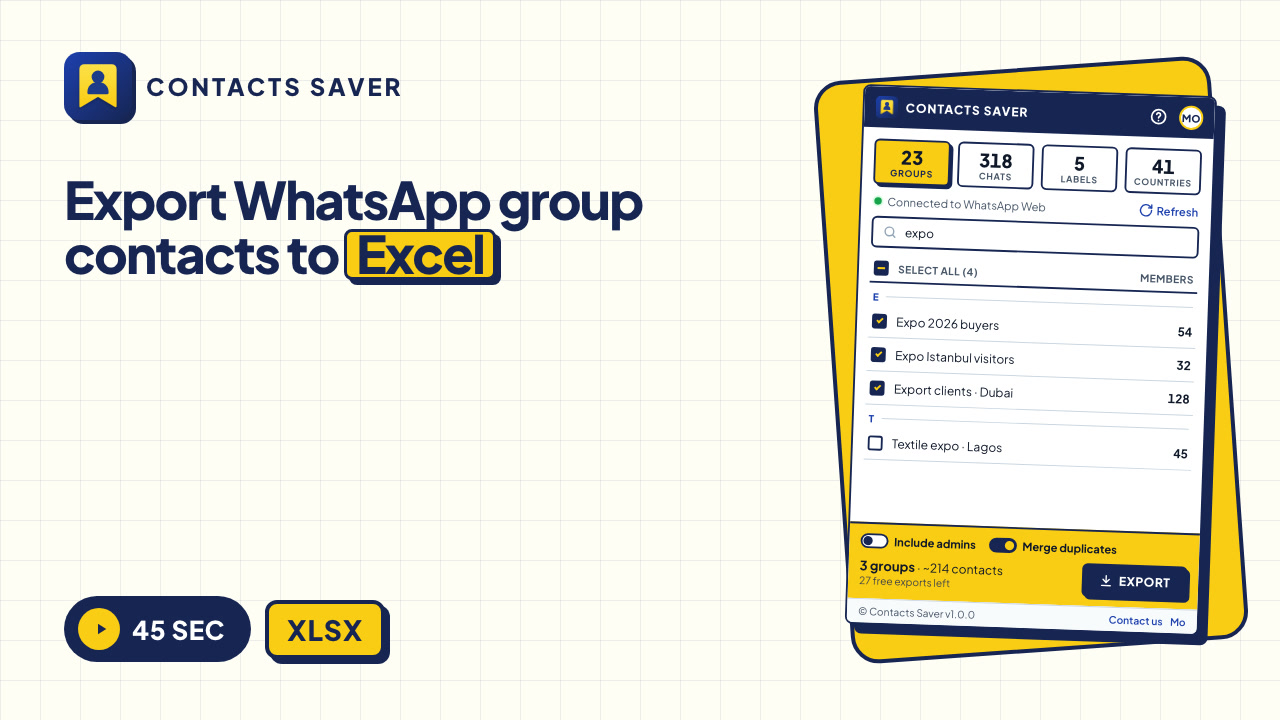
Contacts Saver has a Merge duplicates switch that appears when you select two or more groups. It's on by default. Each phone number gets one row, and the Group Name column lists every group, like "Expo 2026 buyers | Export clients · Dubai".
5. Country detection
A simple tool reads only the dial code. That fails for shared codes: +1 is used by the USA, Canada and many Caribbean countries, and +7 by Russia and Kazakhstan. A Toronto number (+1 416) should say Canada, not the USA.
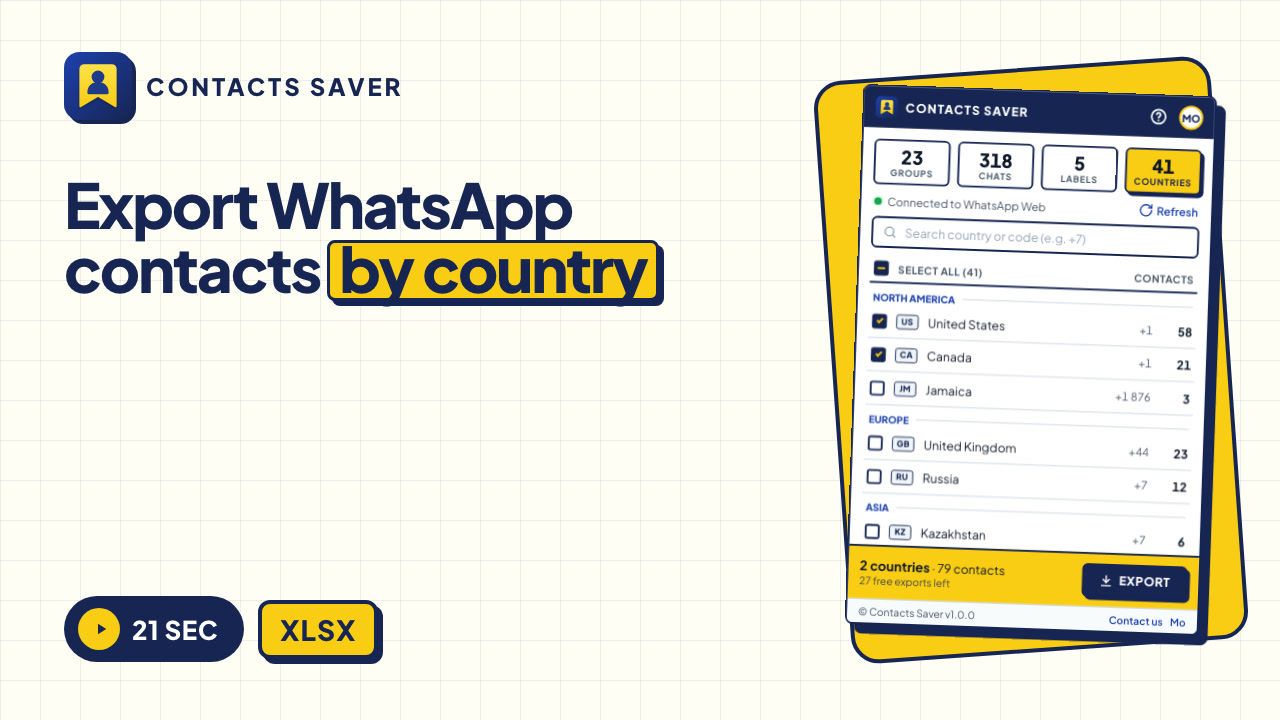
Contacts Saver takes the longest matching dial code, then checks the area code when a code is shared. It can also export by country on its COUNTRIES tab. See How to Filter & Export WhatsApp Contacts by Country.
6. Hidden numbers
WhatsApp doesn't always share a member's phone number, for example in large communities or because of privacy settings.
A tool that doesn't handle this can put internal WhatsApp IDs in the phone column. They look like numbers, but you can't call or message them. Ask how the tool treats these members, and whether it tells you how many were left out.
Contacts Saver first tries to find the real number. If WhatsApp doesn't share it, the person is counted under SKIPPED on the result screen, and no broken row is added.
7. Free-tier limits, stated up front
Many extractors are free to install but limit what you can download. That's fair, as long as you know before you spend time selecting groups. Look for the limits on the store page or website, not only in a pop-up after the export.
Ask: how many exports are free? What happens after that: fewer rows, or no download at all? Are all formats included?
Contacts Saver says it plainly: the free plan includes 30 full exports in every format, vCard included. After that, each export downloads the first 10 rows, and vCard needs VIP. VIP removes the limits, and the popup shows how many free exports you have left.
The WhatsApp contacts extractor checklist at a glance
| Check | What to look for | Contacts Saver |
|---|---|---|
| Permissions | Only WhatsApp Web and storage | Storage and web.whatsapp.com only |
| Your data | Contact data stays in your browser | Processed locally, never uploaded |
| Formats | Real .xlsx and a UTF-8 CSV with BOM | XLSX, CSV with BOM, JSON and vCard |
| Duplicates | Merged across groups, group names kept | Merge duplicates, all groups in one column |
| Countries | Area codes checked for +1 and +7 | Split by area code |
| Hidden numbers | Counted, not added as broken rows | Counted as SKIPPED |
| Free limits | Stated before you install | 30 full exports, then 10 rows per export |
The right tool is only half of the job. What you do with the list matters more, so read Is It Legal to Export WhatsApp Group Contacts? before you message anyone. Contacts Saver is an independent product and is not affiliated with WhatsApp or Meta Platforms, Inc.
Check Contacts Saver against this list
Install it for free, look at the permissions yourself and try 30 full exports in every format.
Frequently asked questions
Is there a tool that saves WhatsApp contacts in bulk?
WhatsApp has no built-in export. Browser extensions such as Contacts Saver add one to WhatsApp Web, so you can save group members and chats to Excel, CSV, JSON or vCard.
How can I bulk save WhatsApp contacts to my phone?
Export them as one vCard file and import it on your phone. The steps are in How to Save WhatsApp Group Contacts to Your Phone.
Are WhatsApp contact extractors safe?
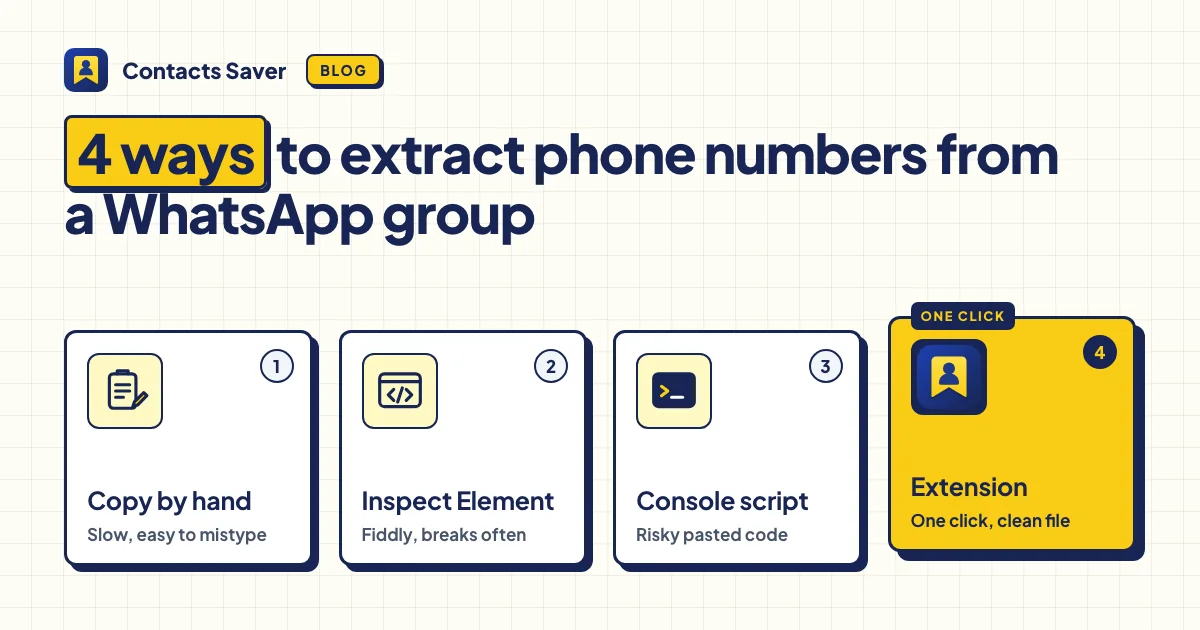
It depends on the extension. Check its permissions, read its privacy policy and make sure contact data stays in your browser. And never paste unknown code into the WhatsApp Web console.